
As always CyanogenMod ROMs one of the best that you can find these days, and has been updated with the latest version of Android 6th Marshmallow , and this time is now available for the Samsung Galaxy S5 with all the news today already known. But yes, it comes with some flaws that are already correcting for siguientse updates. Installing CyanogenMod Galaxy 13 in S5 is performed through TWRP Recovery Recovery or CWM. And as we know the most important thing is to back up the contents of your phone (Nandroid), in case something unexpected comes to pass. Of course it must be said that any such operation is the sole responsibility of the owner of the terminal.
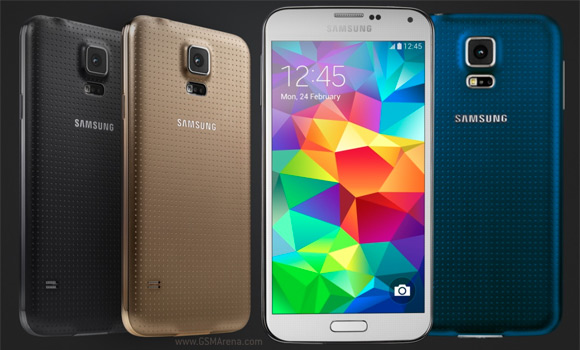
Steps to Install CyanogenMod 13 on your Galaxy S5
In any case, they are failures that nevertheless allow us to use these phones withAndroid 6.0 Marshmallow on a day to day, and that future updates are no longer these failures this Android Rom .Important: I want to make clear that the faults that are currently affecting the video recording and reading external memory cards.
Before starting the process of installing CM13 on your Galaxy S5 is recommended that:
Have at least 50% battery.
And perform a backup of your ROM and Nandroid your data.
Important | Install the latest version of TWRP Recovery (Install by ODIN)
1- Download CM13 | CM13 Marshmallow for the Galaxy S5 and gapps | gapps
2- Make sure that your Galaxy S5 is one of these models kltexx , kltelra , kltetmo , kltecan , klteatt , klteub, klteacg , kltedcm , klte, kltespr, klteusc, kltedv kltevzw or otherwise not working.
3- Copy to external or internal memory of your device and CM13 gapps the root directory of your Galaxy S5
4 Turn off your device and enter the Recovery (Power + Home + Vol. Up) mode
5- From the menu TWRP clean Dalvik Cache, System, Data and Cache
6- In TWRP select the option to install
7- Select CM13 ROM previously downloaded and installed it, (confirm with swipe )
8- Now intalada CM13 on your Galaxy S5 install the gapps (Google Apps) in same way as the ROM
9. Finally, already installed the rom and gapps, return to the main menu and reboot ( Reboot System )
That’s it, leave any questions or suggestions in the comments section.
You may also like

installing Remix OS 2.0 on Windows pc, probably the...
Review Lenovo Vibe S1 Lite Specification, Features...
Latest WhatsApp Video Calling Feature New Version...
Lava Iris X10 Smartphone Specifications,Features...
Gionee Marathon M5 Full Specifications, Features...
Best Black Friday Offers 2015 Deals Discounts Cheap...
About the author
Sravan
Shravan is the founder of Technical Inspiration and several other popular websites. At Technolect he mostly writes about How to blog tips, Tech news, Gadget Reviews etcGoogle Plus